
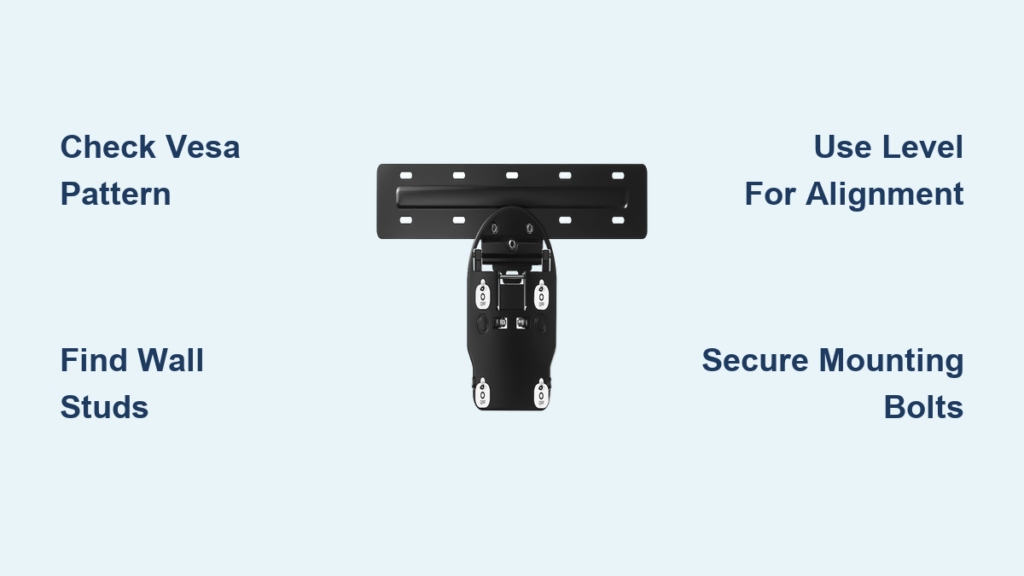
Mounting your Samsung TV securely to a wall bracket transforms your viewing experience while freeing up valuable floor space and keeping your television safely out of reach of children and pets. Proper installation requires understanding critical specifications like VESA compatibility, bolt length calculations, and Samsung’s specific ventilation requirements to ensure years of safe, reliable operation. This guide delivers the exact steps you need to mount your Samsung TV correctly the first time, avoiding common mistakes that could damage your expensive television or create safety hazards.
Samsung designs their wall mounts as model-specific solutions, meaning each mount undergoes rigorous testing to ensure perfect fit and function with particular television sizes. Whether you’re mounting a compact 32-inch display or a massive 82-inch centerpiece, following these precise procedures will help you achieve professional results without professional costs. Let’s get your Samsung TV securely mounted with confidence.
Plan Your Samsung TV Installation Before Drilling
Before purchasing any equipment or drilling holes, develop a complete installation plan that addresses compatibility and safety requirements specific to your Samsung television. Samsung strongly recommends using official Samsung wall mounts rather than third-party alternatives, as these products include comprehensive instructions and hardware engineered specifically for your TV model. When using non-Samsung mounts, the company cannot provide compatibility guidance or installation support, and assumes no responsibility for issues arising from improper mounting.
Gather your television’s model number and consult the user manual or Samsung Support database to determine critical specifications including the VESA mounting pattern, weight, and model-specific mounting requirements. This information dictates which wall mounts will fit your television and ensures you select a mount capable of supporting the weight safely. Write down these specifications and keep them accessible throughout your planning process—you’ll need them when selecting mounting hardware and verifying compatibility.
Create a detailed room plan identifying your primary viewing position and mapping out the optimal wall location. Consider viewing distance proportional to screen size, eye level height when seated, and electrical outlet locations for powering your television and connected devices. This planning phase prevents costly mistakes and ensures your final installation provides the optimal viewing experience.
Choose the Perfect Mounting Location for Your Samsung TV
Selecting the appropriate mounting location requires balancing visual appeal with technical requirements for safe television operation. Samsung specifications mandate maintaining minimum clearances of 10 centimeters (4 inches) on all sides of the television, including the top, bottom, and both side panels. This ventilation space must remain unobstructed by walls, furniture, cabinets, or other objects that could impede airflow around the television’s cooling vents.
The ideal viewing height positions the center of the screen at approximately eye level when seated, typically resulting in the bottom of the television being mounted 90-120 centimeters (35-47 inches) above the floor. Measure from your typical seating position to determine the ideal height for your specific room configuration. Mounting too high causes neck strain during extended viewing sessions, while mounting too low compromises the viewing experience.
Evaluate the wall structure at your chosen location to ensure it can support the television’s weight. Solid concrete or brick walls provide excellent support, while drywall over wood studs requires mounting directly into the studs. If uncertain about your wall’s construction, consult a professional installer before proceeding. Scan the location for hidden utilities, plumbing, or electrical wiring that could be damaged during mounting.
Find Your Samsung TV’s Exact VESA Pattern Measurement

The VESA mounting pattern represents the standardized distance between the four mounting holes on the rear of your Samsung television, expressed as horizontal by vertical measurements in millimeters (like 200×200 or 400×400). Your television’s user manual contains this specification, or you can locate it by searching the Samsung Support database using your model number.
To measure the VESA pattern manually if documentation isn’t available, measure the horizontal distance between the center points of the left and right mounting holes, then measure the vertical distance between the center points of the top and bottom mounting holes. Record these measurements in millimeters, as VESA specifications use metric units universally. Compare your measurements against potential wall mount specifications to verify compatibility before purchasing equipment.
Confirm that the wall mount’s weight capacity exceeds your television’s actual weight by a comfortable margin. Samsung wall mounts are designed as model-specific solutions, eliminating compatibility guesswork when you purchase official Samsung equipment.
Gather Required Tools and Hardware for Samsung Mounting

Successful Samsung TV wall mount installation requires specific tools you should gather before beginning:
- A power drill with appropriate bits for your wall type
- A level to ensure proper alignment
- A tape measure for accurate positioning
- A screwdriver set with Phillips and flathead options
- A stud finder for locating wall studs
- A pencil for marking drill positions
- Safety glasses to protect your eyes during drilling
Samsung wall mount kits include all bolts specifically sized for the intended television models. If using a third-party mount, calculate correct bolt length using the formula C + X, where C equals the internal engagement length (found in your manual) and X equals the wall bracket thickness. If using spacers, the formula becomes C + X + Z.
Prioritize Safety During Samsung TV Mounting Process
Samsung strongly recommends having at least two people present during installation to safely lift and secure the television. Televisions 82 inches and larger require a team of four persons for safe handling. Attempting to mount alone significantly increases the risk of dropping the device, which can cause personal injury and permanent damage not covered under warranty.
Clear the work area of obstacles and lay down protection for both the television and flooring. Have soft padding available to set the television on safely if needed. Ensure all participants understand their roles and establish clear communication signals. Never attempt to mount a television on unstable surfaces or when fatigued—engage professional mounting services if you feel uncomfortable at any point.
Attach the Mounting Plate to Your Samsung TV Correctly
Position your Samsung television face-down on a soft, stable surface to access the mounting points on the rear panel. Identify the four VESA mounting points and ensure they’re free of protective covers. Refer to your wall mount instructions to confirm the correct orientation of the mounting plate.
Thread the provided bolts into the mounting points by hand first, ensuring they start straight. Tighten each bolt incrementally in a diagonal pattern to ensure even pressure distribution. Avoid overtightening, which can strip the threaded inserts, but ensure each bolt is snug and secure. The mounting plate should sit flush against the rear of the television without gaps or wobble.
Install the Wall Bracket Securely on Your Wall
Locate your wall studs using a stud finder and mark the stud edges and center points at your planned mounting height. Hold the wall bracket in position against the wall, using your level to verify perfect horizontal alignment before marking drill hole positions.
For drywall installations over wood studs, drill pilot holes directly into the stud centers. For concrete or brick, use appropriate anchors rated for the television’s weight. Secure the wall bracket using the appropriate fasteners, tightening each screw until snug but not overtightened. Recheck level alignment after installing all fasteners.
Mount and Secure Your Samsung TV to the Wall Bracket
Lift the television with coordinated help from all participants, guiding it toward the wall bracket while aligning the mounting plate’s hooks with the wall bracket features. Take your time to ensure proper alignment before releasing support pressure.
When the mounting plate is fully engaged, verify that the engagement mechanism is locked and secure according to your mount’s instructions. Some designs include audible or tactile confirmation when properly engaged. With the television supported, perform a final stability check by gently attempting to move it in all directions.
Verify Secure Installation Before Cable Connection
After mounting, confirm the television is perfectly level using your bubble level placed across the top edge. Gently test the security by applying light pressure at various points on the television’s edges—the TV should feel solid with no play or movement.
If you detect any movement, immediately remove the television and verify proper engagement. Route and organize your cables before finalizing installation, ensuring they have sufficient length without strain. Take a step back to evaluate the overall installation from your primary viewing position.
Maintain Your Wall-Mounted Samsung TV for Longevity
During the first few weeks after installation, periodically check that all mounting bolts remain tight, as thermal cycling can cause hardware to loosen. Retighten bolts to specified torque values if you detect any movement.
Keep ventilation areas clear of dust and debris that could impede airflow. Periodically inspect the clearances on all four sides to ensure nothing has shifted. For Samsung No Gap Wall Mount installations, maintain the specified spacing that achieves flush appearance while preserving necessary ventilation.
Wall mounting your Samsung television creates a clean, professional installation that enhances any room’s appearance. By carefully planning your location, understanding VESA compatibility, selecting appropriate hardware, and following safety protocols, you can achieve professional-quality results. Remember that Samsung officially supports only their own wall mount solutions, and professional installation services remain available if needed. With proper installation and periodic maintenance, your wall-mounted Samsung TV will provide years of reliable performance.

