
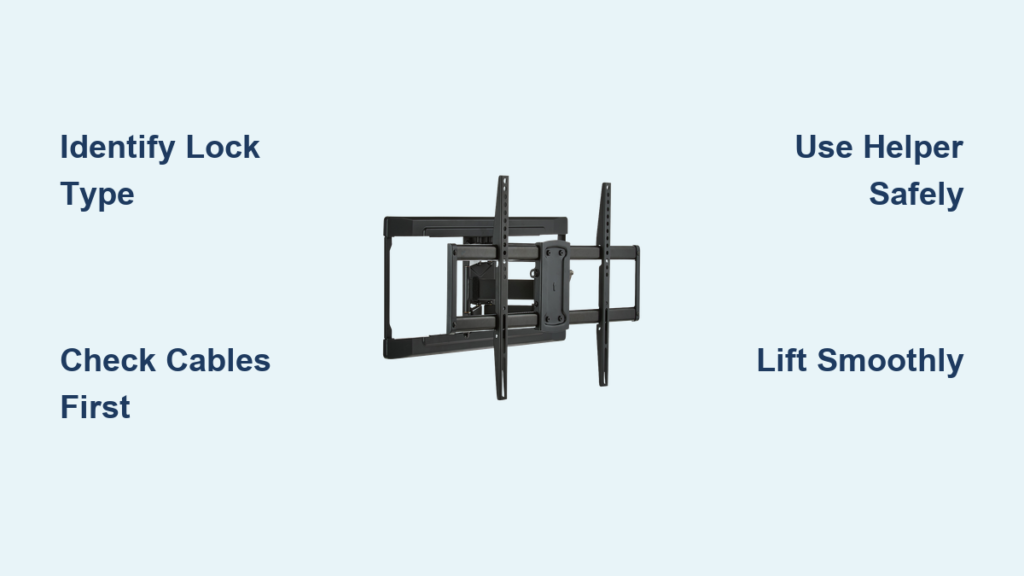
Struggling to remove your television from an ONN wall mount? You’re not alone—thousands of users face this frustrating challenge every year. Whether you need to access cables behind your TV, relocate it to another room, or store it temporarily, knowing exactly how to safely release your television from an ONN wall mount prevents costly damage and personal injury. This guide delivers the precise steps to identify your specific mount’s locking mechanism, properly prepare for removal, and execute the release procedure without damaging your expensive equipment.
Modern televisions present unique challenges during removal due to their weight distribution and delicate construction. A standard 55-inch TV can weigh over 60 pounds, and the mounting mechanism’s design requires careful coordination of releasing locks while simultaneously controlling the television’s descent. Rushing through this process or attempting it alone often results in damaged equipment or personal injury. By understanding your specific ONN mount’s operation and preparing adequately, you can complete this task safely and efficiently—without needing professional help.
Identify Your ONN Mount’s Locking Mechanism Type
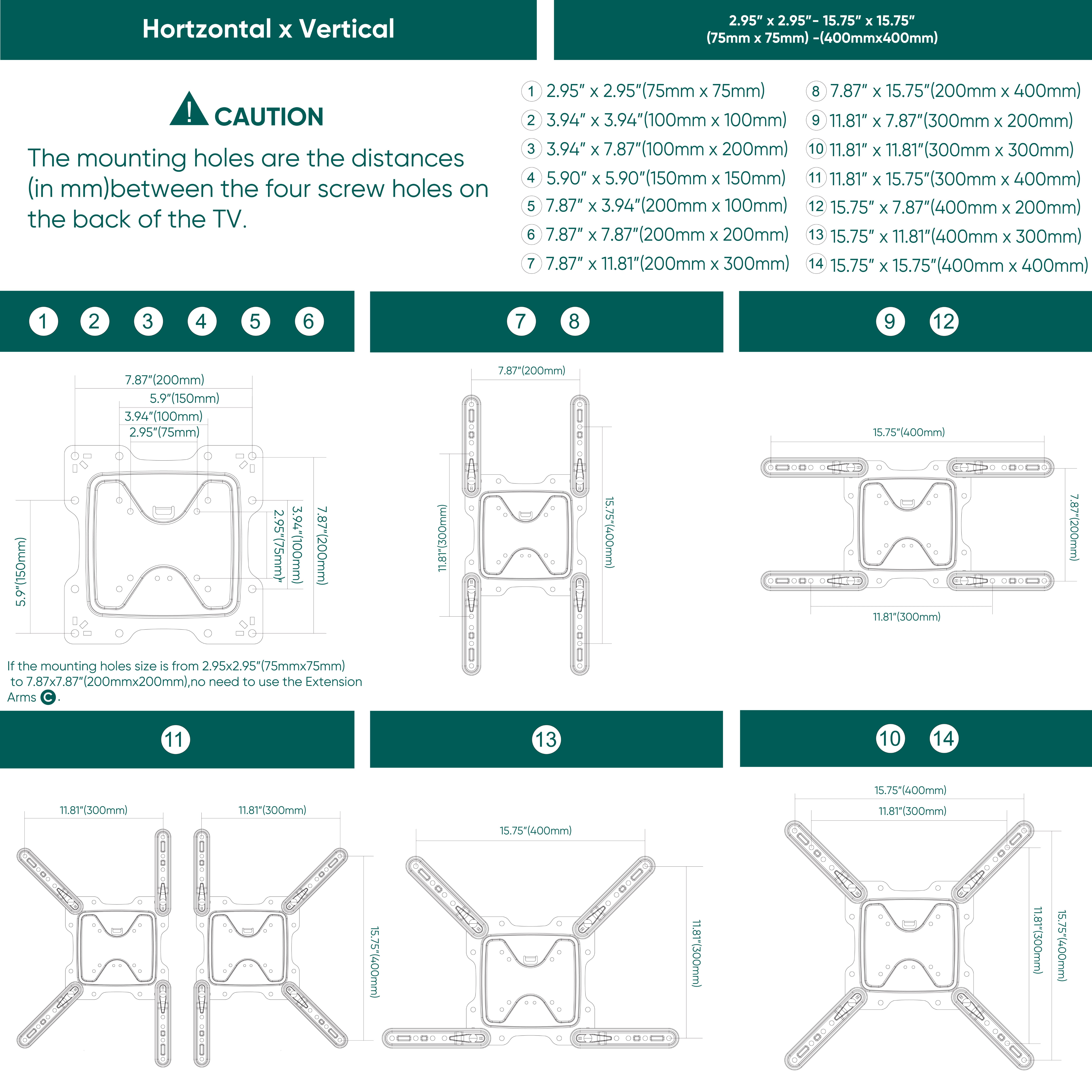
Before attempting removal, you must determine exactly which locking system your ONN wall mount uses. Most ONN mounts feature one of three distinct lock designs: lever-style locks that rotate downward when released, pin mechanisms that retract into the mounting arm, or sliding mechanisms that move horizontally to disengage the bracket. Stand directly in front of your television and examine the bottom edge of the mount assembly where it connects to your TV’s back panel.
The locking mechanism typically appears as a small protrusion, lever, or pin positioned at the base of the mount arms. When properly engaged, this lock physically prevents upward movement by securing the television brackets to the mounting arms. Some ONN models use dual-side locks requiring simultaneous activation on both sides, while others employ a centralized single-point system. If you’re unsure which type you have, gently press or slide any movable components at the bottom of the mount to test their function—proper locks will move smoothly through a defined range of motion.
How to Verify Complete Lock Disengagement
When releasing your ONN mount’s lock, ensure it fully disengages before attempting to lift the TV. A common mistake is partially releasing the mechanism while the lock remains engaged with the television bracket. As you activate the lock, look for visible separation between the television mounting bracket and the wall mount arms—this gap confirms complete disengagement. If you don’t see this separation, apply slightly more pressure in the correct direction (usually toward the television) until the lock fully releases.
Prepare Your Workspace for Safe TV Removal
Creating the right environment before starting significantly reduces risks during the removal process. Clear the area around your television of all furniture, decorative items, and potential tripping hazards. Position a stable, flat surface at a comfortable height where you’ll place the television once detached—this surface must support your TV’s full weight without shifting. Cover it with a soft blanket or protective padding to prevent scratches to the screen or frame.
Essential Safety Equipment Checklist
- Second person to support the television’s lower portion during removal
- Adequate lighting to clearly see the locking mechanism
- Soft landing surface with protective padding
- Clear path between wall mount and placement area
- Basic tools like a screwdriver (for stubborn locks)
Never attempt to remove a television larger than 40 inches without assistance—this isn’t just a recommendation but a critical safety requirement. The awkward weight distribution makes solo control nearly impossible and dramatically increases the risk of dropping your expensive equipment.
Execute the Lock Release and TV Detachment
With your workspace prepared and helper positioned, follow these precise steps to safely remove your television:
- Stand directly in front of the television with clear visibility of the bottom mounting area
- Locate the locking mechanism and determine the correct release direction (typically pushing toward the TV)
- Apply firm, steady pressure to the lock(s) while simultaneously pulling the bottom of the TV away from the wall
- Maintain this coordinated movement until you see visible separation between the TV and mount
Troubleshooting Stubborn Locks
If your lock resists release:
– Verify you’re applying pressure in the correct direction (consult ONN documentation if available)
– Try applying slightly more force—some locks require deliberate pressure
– Check for obstructions like paint buildup or debris blocking the mechanism
– Temporarily loosen tilt adjustments to create additional clearance
Never force the television upward without confirming complete lock disengagement—this can damage both your TV and the mount. If resistance persists after multiple attempts, lower the TV back to its seated position and reassess before proceeding.
Prevent Electrical Damage During TV Removal

Before touching any locks, conduct a thorough cable inspection behind your television. The mounting pressure can sometimes pinch cables between the TV back panel and mounting hardware, creating dangerous electrical hazards. One documented case involved a blue wire becoming trapped between the television cover and mounting rod, causing sparks when the bracket was removed.
Carefully examine all cables for signs of compression, especially:
– Power cords (look for flattened sections)
– HDMI cables running to external devices
– Audio/video connection cables
– Any wall-mounted components
If you discover pinched cables, do not proceed with removal until you’ve safely repositioned them. Gently wiggle cables to ensure they move freely before activating the locking mechanism.
Lift Your TV Off the Mounting Arms Safely
Once locks are fully disengaged, coordinate with your helper to execute the lift:
– Position your helper to support the bottom of the television as it detaches
– Use your legs (not your back) to lift, keeping the TV close to your body
– Lift in a smooth, straight vertical motion without twisting
– Communicate clearly with “lifting” and “lowering” cues
As the television clears the mounting arms, carefully lower it onto your prepared surface while maintaining firm control. Avoid setting it down abruptly, as impact can damage internal components. For larger TVs (55+ inches), consider having two helpers—one supporting each side of the television’s base.
Choose the Right Mount for Future Easy Removal

If you anticipate needing to remove your TV regularly, select a mount designed specifically for this purpose. Look for models featuring:
– Permanent TV brackets with quick-release wall arms
– Single-point locking mechanisms requiring minimal effort
– Metal locking components (more durable than plastic)
– Adequate clearance between TV and wall for easy access
The ideal mount allows television removal through a simple lift-off motion after releasing a single lock—eliminating complex alignment procedures during reinstallation. Avoid fixed mounts with multiple attachment points if frequent removal is anticipated.
Maintain Your Mount for Reliable Future Removals
Ensure your wall mount functions properly for years to come by:
– Periodically checking all hardware for tightness
– Cleaning locking mechanisms with a dry cloth to remove debris
– Operating the lock mechanism occasionally (even when not removing TV)
– Applying manufacturer-recommended lubricant if stiffness develops
Regular maintenance prevents locks from seizing due to inactivity, making future removals significantly easier. If you notice unusual resistance or mechanical issues, consult ONN’s customer support before attempting another removal.
Complete Pre-Removal Safety Checklist
Before starting, verify these critical steps:
– [ ] Identified and understood your specific lock mechanism
– [ ] Confirmed adequate helper availability and roles
– [ ] Prepared stable, padded placement surface
– [ ] Inspected all cables for pinching or damage
– [ ] Cleared path between mount and placement area
– [ ] Ensured proper lighting for visibility
Following this checklist ensures you can remove your television from an ONN wall mount safely and efficiently. Remember that patience and preparation prevent most common removal problems—never rush this process when dealing with expensive, fragile equipment. If you encounter persistent difficulties beyond what troubleshooting addresses, consult ONN’s documentation or consider professional assistance to avoid damaging your television.

