
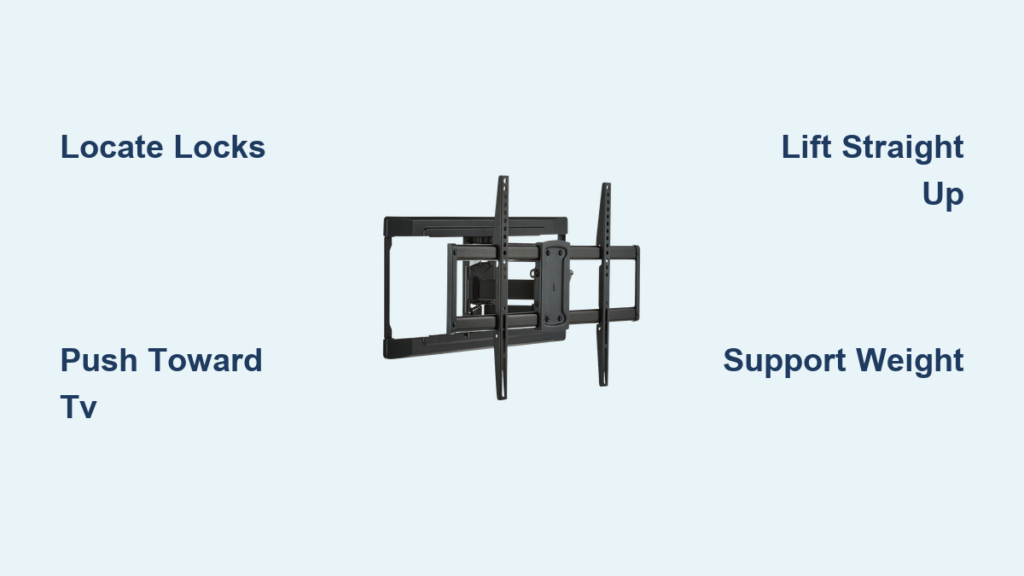
Removing your television from an ONN wall mount requires precise technique—not brute force—to avoid damaging your expensive display or risking personal injury. Most ONN wall mounts feature a locking mechanism designed to prevent accidental dislodging, but this same safety feature can frustrate anyone unfamiliar with its operation. Whether you’re relocating, selling your TV, or simply need to access the wall behind it, understanding the specific release sequence for ONN mounts is essential. This guide reveals the exact process for safely detaching your television from any ONN wall mount, including identifying the correct release points and coordinating the dual-action movement required for successful removal.
The critical mistake most people make is attempting single-person removal, especially with TVs larger than 50 inches. ONN mounts secure televisions with a locking system that requires simultaneous actions—releasing the locks while supporting the TV’s weight—which is nearly impossible alone. Before you begin, locate your ONN mount’s instruction manual if available, as different models have slight variations in their release mechanisms. This guide covers the standard procedure applicable to most ONN fixed, tilting, and full-motion wall mounts currently in use.
Identify Your ONN Wall Mount Locking Mechanism

Before attempting to remove your television, locate the specific locking mechanism on your ONN wall mount, as this varies slightly between models but follows consistent principles. ONN mounts typically feature a rotating or sliding lock piece at the bottom of the mounting assembly where the TV bracket connects to the arm. Look for small holes or arrows (often red) on both sides of the mount near the bottom edge—these indicate where to apply pressure to release the lock.
Most ONN mounts require you to push the bottom portion of the locking mechanism toward the television to disengage it. Some models feature a simple rotating lever that swings outward when pushed, while others use a sliding lock that must move upward or downward. If your ONN mount includes a set screw where the bracket meets the wall arm (common in full-motion models), you’ll need to loosen this fastener before attempting to lift the television. Gently test the mechanism without fully releasing it to understand how much pressure is needed and whether it moves freely—this prevents surprises during the actual removal process.
How ONN Mount Locks Differ From Other Brands
ONN wall mounts typically use a dual-lock system that requires simultaneous release on both sides, unlike some brands that feature a single central release mechanism. The locking pins on ONN mounts are usually positioned at approximately 45-degree angles rather than straight down, requiring specific finger placement for effective release. Many users report that ONN mounts have tighter tolerances than premium brands, meaning the release mechanism requires precise pressure application—too little won’t disengage the lock, while too much can cause the mechanism to bind temporarily. The distinctive red arrows on ONN locks indicate the exact direction to push (usually toward the television), which differs from some competitors that use downward or upward release motions.
What to Do If You Can’t Find the Release Mechanism
If you’ve examined your ONN mount thoroughly but can’t locate the release points, check for hidden access panels or covers that might conceal the mechanism. Some ONN models feature small plastic caps that must be popped off to reveal the release holes. For older ONN mounts, the release indicators may have faded over time—look for slight indentations or variations in the metal texture that suggest where pressure should be applied. If your mount lacks visible indicators entirely, it likely uses a set screw system rather than a quick-release mechanism; in this case, you’ll need to locate and loosen the screws securing the TV bracket to the wall plate before attempting removal.
Essential Safety Precautions Before Removal
Safety must be your absolute priority when removing a television from an ONN wall mount, as these devices are significantly heavier than they appear and can cause serious injury if dropped. The Consumer Product Safety Commission reports that improper television handling accounts for thousands of emergency room visits annually, with most injuries occurring during removal attempts. Before touching your mount, power off your television completely and unplug all cables, including power cords, HDMI connections, and any streaming devices or sound system attachments.
Thoroughly inspect the area around the mounting bracket for cables routed through the mount assembly or potentially trapped between the television and wall. One documented incident involved a blue wire sandwiched between a plasma television’s back cover and mounting bolt, which caused a dangerous spark when the bracket was removed—highlighting why this inspection step is non-negotiable. Ensure your workspace has adequate lighting and clear pathways for carrying the television once removed. Place padding against the wall or on the floor where the television will temporarily rest, and remove any fragile items from the immediate area. Clear dust and debris from the wall plate area using compressed air to prevent interference with lock operation.
Prepare Your TV and Workspace Properly
Proper preparation significantly reduces the risk of damage or injury during the ONN mount removal process. Begin by powering off your television and allowing it to rest for several minutes—this is particularly important for plasma models that may retain electrical charges in internal capacitors. Unplug all cables from the rear of the television, carefully tracing each connection to ensure nothing remains attached when you begin lifting. Coil each cable and secure it with Velcro ties, grouping them together away from your work area to prevent tripping hazards.
Position a stable, padded surface nearby where the television can rest immediately after removal—this could be a padded work table, cleared couch, or floor covered with soft blankets. Gather necessary tools including a flashlight for inspecting dark areas behind the television and potentially a screwdriver if your ONN mount uses set screws. Take photographs of your current setup before beginning, documenting cable routing and bracket positioning for easier reinstallation later. Most importantly, recruit at least one assistant—preferably two for larger TVs—as ONN mounts require coordinated effort to release safely.
Release the ONN Wall Mount Locking Mechanism Correctly
With preparations complete and your assistant in position, you can now release the television from its ONN wall mount. Locate the locking mechanism on both sides of the mount, typically found at the lower portion where the bracket meets the arm assembly. The release procedure requires pushing the bottom portion of the locking mechanism toward the television on both sides simultaneously while gently pulling the bottom of the television away from the wall.
Most users find this two-handed operation requires at least two people—one to handle each side’s lock while supporting the television. Apply firm, steady pressure in the direction indicated by any arrows (usually toward the television) while your assistant supports the TV’s weight. You should hear or feel a distinct click as the locks rotate and disengage. If the locks don’t release easily, stop and investigate rather than forcing them, as this indicates the mechanism isn’t fully disengaged or something is preventing release.
Common ONN Mount Release Mistakes to Avoid
The most frequent error during ONN mount removal is applying pressure in the wrong direction—many users instinctively pull the release mechanism away from the television rather than toward it. Another common mistake is attempting to release only one side at a time, which can cause the TV to tilt dangerously. Some users press too high on the mechanism instead of targeting the specific release hole, resulting in insufficient force to disengage the lock. ONN mounts often require more downward pressure than expected due to their spring-loaded design, but excessive force can cause the mechanism to bind temporarily. If resistance is encountered, pause and reposition your fingers before trying again—never use tools to force the release, as this can damage the mechanism.
Lift Your TV Off the ONN Mount Safely

Once both locks have been released, lift the television straight up off the top rail of the ONN mount assembly. This vertical motion is crucial—avoid any twisting, angling, or rocking that could cause the bracket to catch. Grip the sides of the television firmly with both hands, keeping fingers away from rear ventilation openings. Your assistant should support the television from the sides or bottom as the weight transfers fully to your lifting team.
Continue lifting straight up until the bracket clears the mounting rail completely (typically requiring 2-3 inches of vertical movement). Remember that the center of gravity in most televisions sits toward the rear, so the unit may try to tip backward once free—ensure your grip accounts for this tendency. Once clear of the mount, immediately carry the television to your prepared resting surface, maintaining a firm grip throughout the transfer. Lower the television slowly and carefully onto the padded surface before releasing your grip completely.
Troubleshoot Common ONN Mount Removal Problems
Even with proper preparation, several issues can arise during ONN mount television removal. If the locks refuse to rotate when pressure is applied, the mechanism may have seized due to dust accumulation—apply a small amount of electrical contact cleaner to restore movement. When the television seems stuck despite released locks, cable interference is likely; gently lift one side while your assistant checks for trapped wires.
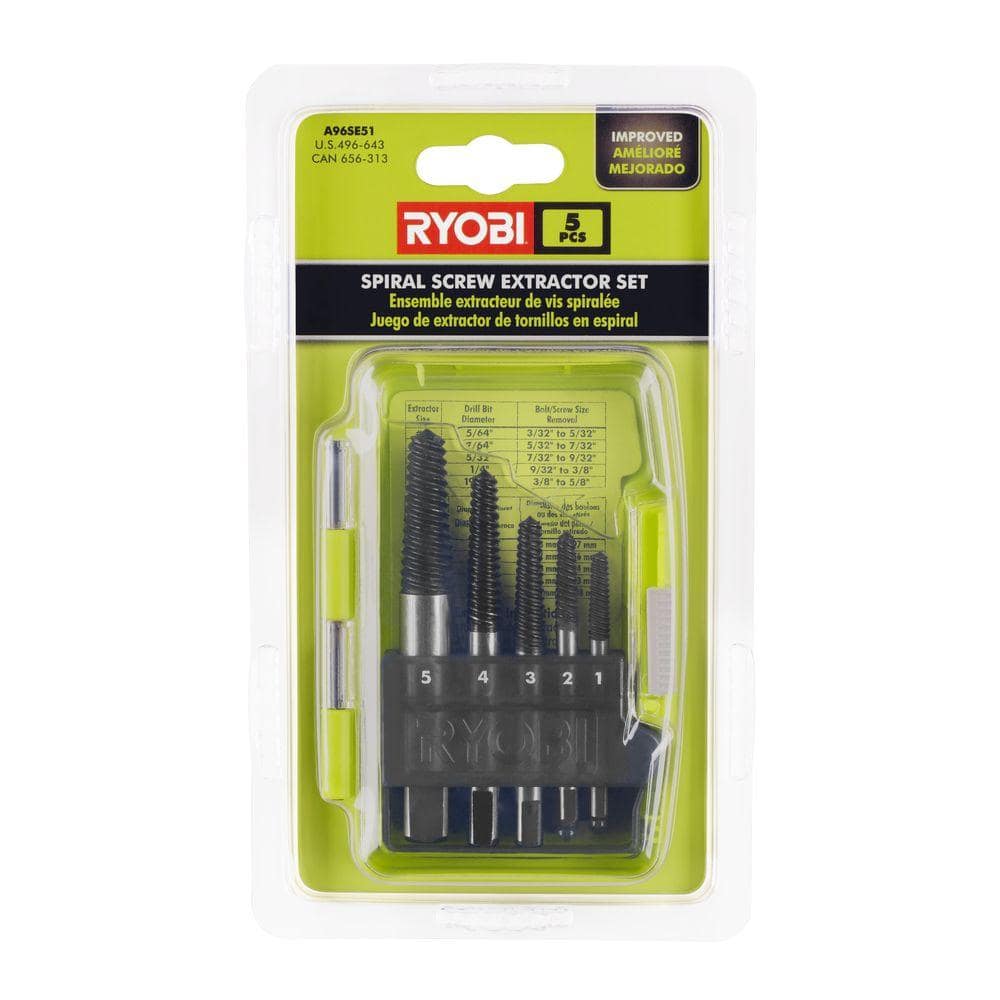
Stripped mounting screws can be removed by placing a rubber band over the head to improve grip, or using a screw extractor kit for severely damaged fasteners. If the bracket appears misaligned and won’t clear the mount rails, check and retighten the wall plate mounting screws before proceeding. For particularly stubborn ONN mounts, gently rocking the television side-to-side while applying release pressure can sometimes free binding mechanisms without forcing them.
When to Call a Professional for ONN Wall Mount Removal
Despite the straightforward nature of most removals, certain situations warrant professional assistance. If your television is 65 inches or larger, or if you have physical limitations affecting your ability to lift significant weight, professional installers offer expertise and proper equipment. Professional services typically include two-person teams, specialized tools, and post-removal inspection to ensure everything functions correctly when remounted.
The cost of professional removal is modest compared to potential damage from improper handling. Many retailers where you purchased your ONN mount offer installation services or can recommend certified professionals. If you encounter difficulties during removal—locks that won’t release, stripped screws that can’t be removed, or concerns about wall integrity—stop immediately and contact a professional rather than risking damage or injury.

