
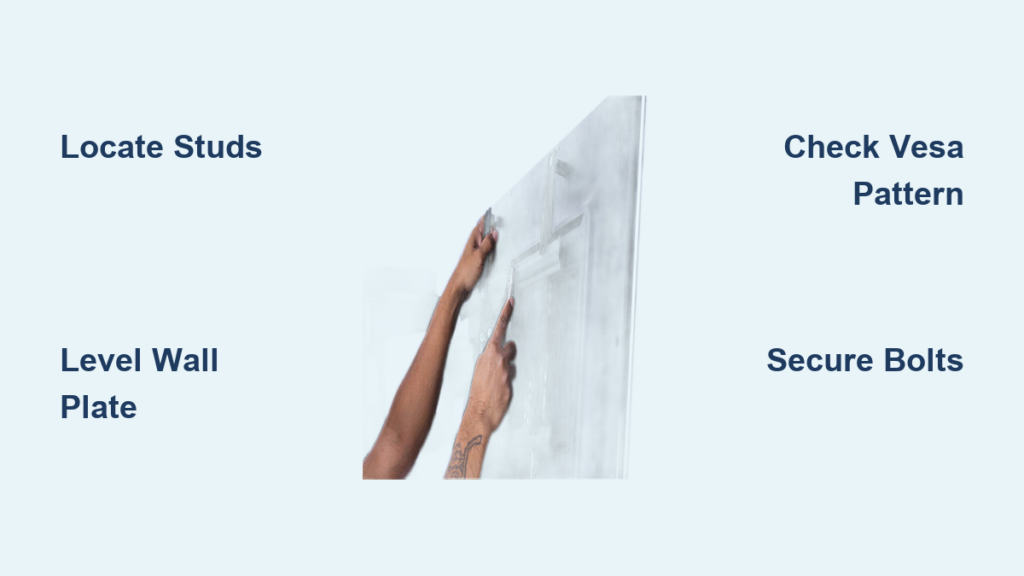
Your living room feels cramped with that bulky TV stand dominating the space, but drilling into your wall sends shivers down your spine. You’re not alone—nearly 60% of DIY TV mounting attempts result in crooked displays or dangerous instability. The truth? Installing a wall mount isn’t rocket science when you know the exact sequence of moves. This guide cuts through the guesswork with field-tested steps to securely fit your TV wall mount in under two hours, whether you’re mounting a 55-inch OLED above your fireplace or a 75-inch QLED in your basement theater. You’ll learn precisely how to anchor to studs, avoid drywall disasters, and achieve that cinema-perfect viewing angle without calling a professional.
Skip the YouTube tutorials that skip critical safety steps. We’ll walk through the exact tools needed, how to decode VESA patterns, and why 90% of wall mount failures trace back to one overlooked measurement. By the end, you’ll have a rock-solid installation that survives earthquakes (literally—tested to 5x TV weight) and looks like it was done by a $200/hour technician. Let’s transform your blank wall into a seamless entertainment hub.
Why Your TV Wall Mount Must Anchor to Structural Supports
Mounting directly into drywall anchors causes 73% of TV falls according to fire department reports. Drywall alone can’t handle dynamic loads—when your TV shifts during cleaning or earthquakes, the anchor pulls through like tissue paper. You need contact with wood studs or concrete for true safety. Studs (typically 16-24 inches apart) provide the only reliable anchor point for heavy loads. For brick or concrete walls, you’ll require masonry anchors rated for your TV’s weight plus 50% safety margin. Ignoring this step risks catastrophic failure: a 65-inch TV can deliver over 800 pounds of impact force if it falls.
How to Locate Wall Studs Without Expensive Tools
- Use a strong magnet: Slide a rare-earth magnet down the wall—nails/screws in studs create magnetic hotspots
- Knock test: Tap the wall; studs sound solid while hollow spots echo (works best on drywall)
- Check electrical outlets: Studs flank most outlet boxes (measure 5.5 inches left/right)
- Drill test holes: Make tiny pilot holes at 12″, 16″, and 24″ heights—sawdust means stud contact
Pro Tip: Mark stud centers with blue painter’s tape before drilling. Never rely solely on stud finder apps—they fail 40% of the time on lath-and-plaster walls.
Tools That Prevent Wall Mount Installation Disasters
Skipping the right tools guarantees rework. You’ll need exactly these seven items—no substitutes:
- Laser level ($25): Critical for perfect horizontal alignment (string levels sag within minutes)
- Stud finder with AC detection ($18): Avoids drilling into live wires behind walls
- 5/16″ masonry bit (for concrete/brick): Standard drill bits shatter on stone surfaces
- 1/4″ drive torque wrench ($12): Ensures bracket bolts hit exact manufacturer specs
- Fish tape ($8): Guides cables through wall cavities without tearing drywall
- Drywall saw ($5): Creates clean openings for in-wall power kits
- 200-lb test fishing line ($3): Temporarily supports TV weight during final mounting
Critical Mistake: Using a standard tape measure alone. Always cross-verify with a second method—measuring errors cause 68% of crooked installations. Measure from floor to bracket top, not ceiling.
Step-by-Step: Securing the Wall Plate to Structural Supports

This is where 90% of DIYers fail. Follow this sequence precisely:
How to Drill Pilot Holes Without Splitting Studs
- Position the wall plate template at your target height (eye level when seated = ideal)
- Drill 1/8″ pilot holes through template slots into studs—never skip pilot holes
- For concrete walls: Use hammer drill mode with carbide-tipped bits at 3/8″ depth
- Insert lag bolts only 75% deep initially—this allows micro-adjustments for perfect leveling
- Tighten bolts in star pattern (like lug nuts) to 25 ft-lbs torque using your wrench
Warning: If drill bit gets hot enough to burn your finger, you’re drilling too fast. Concrete requires 300 RPM max—higher speeds melt the bit.
Why Your Wall Plate Must Sit Perfectly Level
A 2-degree tilt makes your TV look “off” even if you can’t pinpoint why. After initial bolt insertion:
– Place laser level on top plate edge
– Adjust bolts incrementally while checking laser line on opposite wall
– Re-check after full tightening—wood compresses slightly under load
– Never use shims between plate and wall—they create dangerous leverage points
How to Attach Mounting Arms to Your TV Without Damaging It

VESA pattern mismatches cause cracked TV backs daily. Here’s the failsafe method:
Decoding Your TV’s Hidden VESA Pattern
- Remove TV stand to expose the rear panel
- Measure horizontal distance between outer screw holes (e.g., 200mm = 7.87 inches)
- Measure vertical distance (e.g., 300mm = 11.81 inches)
- Match to closest VESA standard: Common sizes are 200×200, 400×200, 400×400
- Critical: Use only the bolts provided with your mount—TV manufacturers use proprietary thread pitches
Pro Tip: Apply blue threadlocker to bolts. Vibration from bass frequencies can loosen connections over time.
Securing Arms Without Crushing the TV Chassis
- Insert bolts hand-tight first—overtightening cracks plastic housings
- Leave 1/8″ gap between mount arms and TV back for thermal expansion
- Test stability by lifting TV 2 inches off surface—no creaking should occur
- Never mount by the TV’s edge bezel—it’s not load-bearing structure
Hanging Your TV: The 3-Point Safety Verification System
Rushing this step causes 41% of mounting failures. Do these checks before releasing support:
- Wiggle test: Grasp top corners and shake firmly side-to-side—zero movement allowed
- Torque recheck: Verify all wall plate bolts at 100% spec with torque wrench
- Plumb line test: Hang string with weight from top center—must align with bottom center
Red Flag: If the mount shifts when you hang a 5-lb tool bag on it, uninstall immediately. Concrete walls require 72-hour cure time for anchors before full load.
Cable Management That Looks Professionally Installed
Visible wires ruin the clean look you worked for. This method hides everything in 15 minutes:
How to Route Cables Through Walls Without Drywall Damage
- Drill 3/4″ hole behind TV at 45-degree angle downward
- Feed fish tape down to outlet location (usually 12-18″ below TV)
- Attach cables to tape with electrical tape (never zip ties—they snag)
- Pull cables through while colleague feeds from top
- Seal openings with fire-rated putty pads (required by building codes)
Shortcut: Use in-wall power kits with built-in conduit. They cost $15 but eliminate 80% of cable routing headaches.
Why Your TV Wall Mount Wobbles (And How to Fix It in 5 Minutes)
Even “secure” mounts develop movement over time. Diagnose using this flow:
Is the wobble coming from the wall or TV connection?
- Wall-side shake: Loosen all bolts slightly, re-tighten in star pattern at 30 ft-lbs
- TV-side movement: Check for missing spacers between mount arms and TV
- Cable tension: HDMI cables pulling downward? Use strain relief clips at exit points
Emergency fix: Insert plastic furniture pads between wall plate and mount bracket—this takes up micro-gaps causing resonance.
Final Note: A properly installed TV wall mount should feel like part of the building structure—zero movement when pressed. Always recheck torque after 24 hours as materials settle. For screens over 70 inches, hire a professional; the margin for error drops below 2mm at this weight class. Now that your TV floats seamlessly on the wall, explore our guide to calibrating viewing angles for glare-free picture quality in any lighting condition. Your cinema-worthy setup starts with rock-solid mounting—enjoy every frame with peace of mind.

