
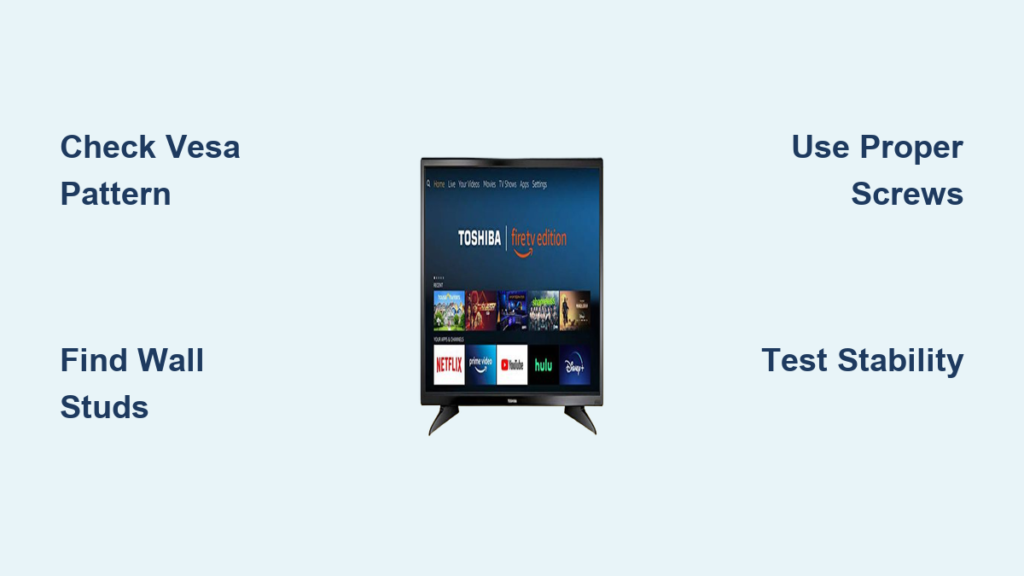
Nothing transforms your viewing experience quite like mounting your Toshiba Fire TV on the wall—freeing up valuable floor space while creating a clean, professional entertainment setup. If you’ve ever struggled with an awkward TV stand position, tangled cables, or limited space in your living room, wall mounting solves these problems while enhancing your viewing angle. This comprehensive guide provides the exact steps to safely mount your Toshiba Fire TV on the wall in under two hours with the right preparation. You’ll learn how to verify compatibility, select proper hardware, secure your television to wall studs, and maintain your installation for years of trouble-free viewing. Whether you have the popular 32LF221U19 model or a larger Toshiba Fire TV, these techniques work for all sizes in the lineup.
Before you grab your tools, understanding your specific Toshiba Fire TV’s mounting requirements prevents costly mistakes and ensures a secure installation. Unlike generic mounting guides, this tutorial focuses exclusively on Toshiba Fire TV models, addressing their unique VESA patterns, weight specifications, and mounting hole configurations. With the right approach, you’ll avoid common pitfalls like stripped threads, unstable mounting, or damaged internal components that can occur when using incorrect hardware or techniques. Let’s get started with the critical first step every installer must complete before purchasing any equipment.
Verify Your Toshiba Fire TV’s VESA Pattern Before Buying Mount

Your Toshiba Fire TV’s VESA pattern determines which wall mounts will properly fit your specific model, making this verification step non-negotiable for a secure installation. The VESA pattern refers to the standardized arrangement of four mounting holes on the back of your television, measured in millimeters as horizontal by vertical distances (like 200×200 or 400×400). Most Toshiba Fire TV models use either VESA 200×200 for smaller screens (32-43 inches) or VESA 400×400 for larger models (50+ inches), but checking your specific model prevents compatibility disasters.
To confirm your VESA pattern, consult your owner’s manual or physically measure the distance between the centers of the mounting holes on your TV’s rear panel. Use a tape measure to determine the horizontal distance from the center of the left hole to the center of the right hole, then repeat vertically from top to bottom hole. Never guess your VESA pattern—purchasing a mount that doesn’t match will force you to return equipment or attempt risky modifications that compromise safety. When shopping for mounts, verify both the VESA compatibility and weight capacity exceeds your Toshiba Fire TV’s specifications to ensure long-term stability.
Essential Tools and Hardware Checklist for Safe Installation
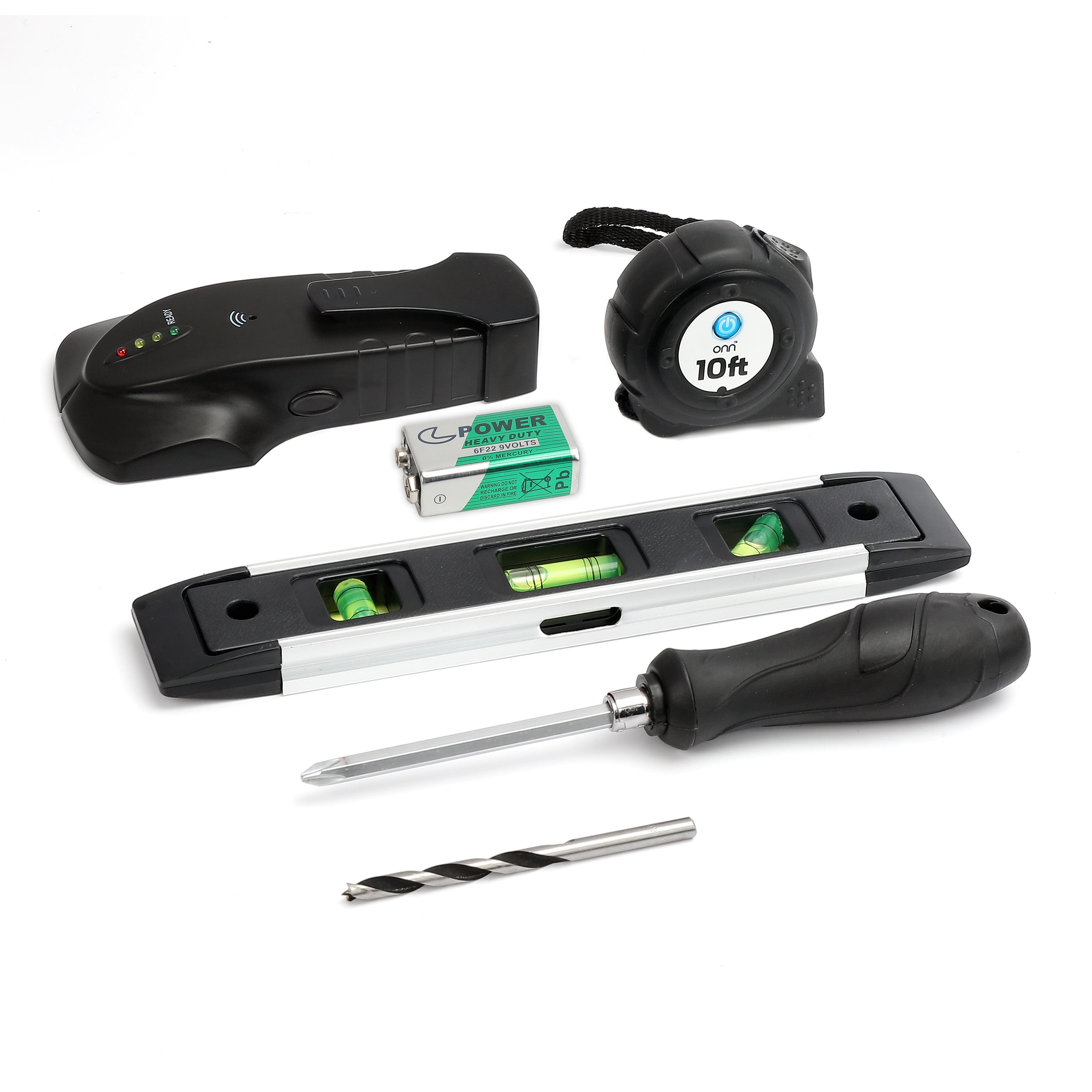
Attempting to mount your Toshiba Fire TV without the proper tools risks damaging your television, wall, or personal injury—so gather these critical items before starting:
- Phillips-head screwdriver (manual, not power tool)
- Stud finder (magnetic or electronic)
- Level (laser or bubble)
- Measuring tape
- Pencil for marking
- Drill with appropriate bits
- Lag screws or structural screws (for wood studs)
- Mounting screws compatible with Toshiba Fire TV threading
- Wall anchors (if mounting without direct stud access)
Most importantly, recruit a second person—mounting a Toshiba Fire TV alone dramatically increases the risk of dropping your television. The combined weight of your TV and mount requires steady support during installation, and an extra set of hands ensures proper alignment while you secure connections. If your mount kit doesn’t include screws of adequate length for your specific Toshiba Fire TV model, purchase M4 or M6 metric screws from a hardware store, but never use screws so long they penetrate internal components. Test screw length by hand-threading into your TV’s mounting holes before final installation.
Choose the Perfect Mount Type for Your Room Layout

Selecting the right wall mount type transforms your viewing experience while accommodating your room’s specific constraints. Fixed mounts position your Toshiba Fire TV flush against the wall for a minimalist appearance—ideal when your seating arrangement directly faces the television and you prioritize space savings. These mounts typically cost less and install faster but offer zero adjustability once mounted.
Tilting mounts solve the most common viewing problem: glare from windows or lights. These mounts allow vertical adjustment (usually 15-20 degrees downward), making them perfect for mounting above eye level like over a fireplace. For living rooms with multiple seating areas or unconventional layouts, full-motion mounts provide complete flexibility—pulling the TV away from the wall up to 24 inches while allowing horizontal swiveling and vertical tilting. Warning: Full-motion mounts require more careful installation to ensure stability, and they protrude further from the wall when extended. Match your mount selection to your actual viewing needs rather than opting for maximum flexibility—over-engineering your setup complicates installation without improving your experience.
Locate Wall Studs and Plan Mounting Position with Precision
Your wall’s structural integrity determines whether your mounted Toshiba Fire TV stays securely in place for years or becomes a dangerous hazard. Wood studs provide the strongest foundation, so use a quality stud finder to locate solid framing members behind your drywall—never mount solely into drywall without proper anchors. Scan your target area, marking each stud center with a pencil, then verify findings by tapping the wall (solid areas sound different than hollow spaces between studs).
Once you’ve identified at least two studs, hold your wall mount plate against the wall at your desired height (typically eye level when seated), using a level to ensure perfect horizontal alignment. Mark the mounting holes through the plate onto the wall, then double-check that these marks align with your identified stud centers. Adjust the plate position vertically if needed to hit multiple studs, as this distributes weight more safely. For concrete, brick, or stone walls, you’ll need masonry anchors and a hammer drill—consult a professional if you’re unsure about your wall’s ability to support your Toshiba Fire TV’s weight.
Secure Mounting Bracket to Toshiba Fire TV Without Damage
Attaching the bracket to your Toshiba Fire TV requires precision to avoid stripping threads or damaging internal components. Begin by placing your television face-down on a soft surface like a blanket, with the screen protected from scratches. Insert each mounting screw through the bracket into your TV’s rear panel holes, turning clockwise by hand until resistance increases.
Critical technique: Tighten screws with a manual screwdriver until snug—meaning the bracket doesn’t move or rattle—but stop before applying excessive force. Overtightening is the #1 cause of mounting failures, as it strips threads in the TV’s housing or bends mounting plates. Never use power tools for final tightening, as the torque settings on drills far exceed what your Toshiba Fire TV’s mounting points can handle. Have your assistant support the television while you complete this step to prevent accidental drops during handling.
Hang and Test Your Mounted Toshiba Fire TV for Safety
With the bracket secured to your television and the wall plate installed, it’s time for the moment of truth—hanging your Toshiba Fire TV. With your assistant positioned to support the television, carefully lift it and align the bracket with the wall mount’s receiver. Depending on your mount type, you’ll either slide the bracket onto hooks or engage a locking mechanism—follow your specific mount’s instructions precisely.
Once seated, perform critical stability tests before stepping away:
– Gently push on all four corners of the TV frame
– Verify no movement, rattling, or separation from the mount
– Confirm all locking mechanisms have fully engaged
– Test tilt or swivel functions (if applicable) to ensure smooth operation
If anything feels loose or unstable, immediately remove the TV and recheck all connections. Never assume minor movement will correct itself—it indicates a potentially dangerous installation that could fail catastrophically over time.
Conceal Cables for a Professional Finished Look
Proper cable management transforms your installation from DIY project to professional setup while preventing strain on connections. Route all cables through your mount’s built-in channels or use adhesive cable clips to secure them neatly along the wall surface. For the cleanest appearance, consider in-wall cable management:
- Cut small openings behind the TV and at baseboard level
- Feed cables through the wall cavity using fish tape
- Install an in-wall raceway or low-voltage box at the base
Never allow cables to dangle freely—this creates tripping hazards and strains connections when adjusting full-motion mounts. Ensure your power cord has ample slack to accommodate full extension of articulating mounts without tension on the plug connection.
Fix Common Mounting Issues Before They Become Hazards
Even careful installers encounter problems that require immediate attention. If your Toshiba Fire TV won’t sit flush against the mount, check for misaligned VESA patterns or incompatible hardware—don’t force connections as this damages mounting points. When screws won’t tighten properly, stripped threads likely require professional repair or specialized mounting solutions.
Most critical issue: A wobbling or loose mount indicates improper stud attachment or inadequate tightening. Remove the television immediately and verify all wall connections before re-mounting. Unusual creaking or popping sounds after installation often signal thermal expansion against improper mounting—investigate immediately as this indicates stress points that could lead to failure.
Monthly Maintenance Checklist for Long-Term Safety
Your mounted Toshiba Fire TV requires minimal but essential maintenance to ensure ongoing safety. During the first month after installation, check all connections weekly as initial settling may cause screws to loosen. Thereafter, perform these checks quarterly:
- Tighten mounting screws to snug (not overtightened) condition
- Verify wall plate stability by attempting to wiggle the mount
- Inspect wall surface around mount for cracks or stress marks
- Confirm cable connections remain secure and undamaged
Document your installation with photos showing all connection points and record both your TV and mount model numbers—this information proves invaluable if you ever need to reinstall or troubleshoot issues. By following these simple maintenance steps, your wall-mounted Toshiba Fire TV will deliver safe, optimal viewing for its entire lifespan.

